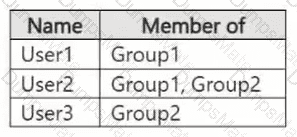
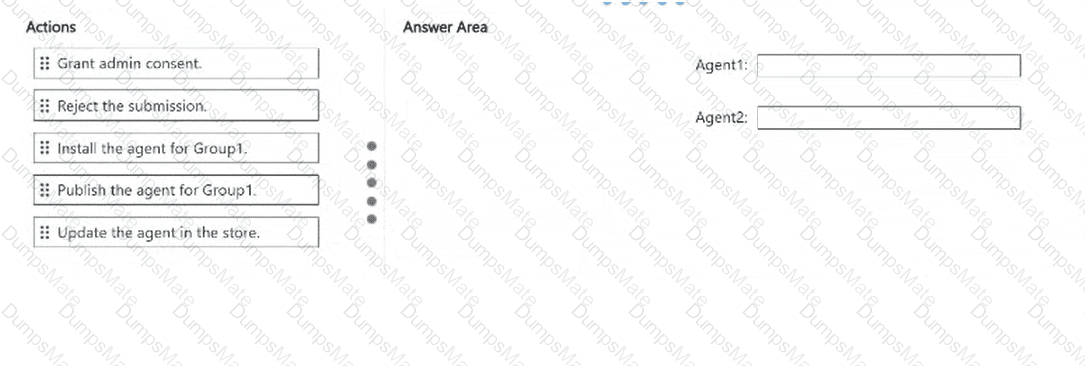
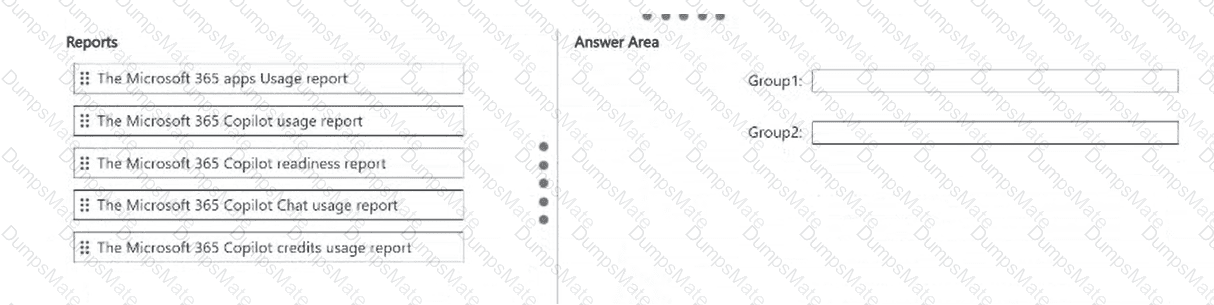
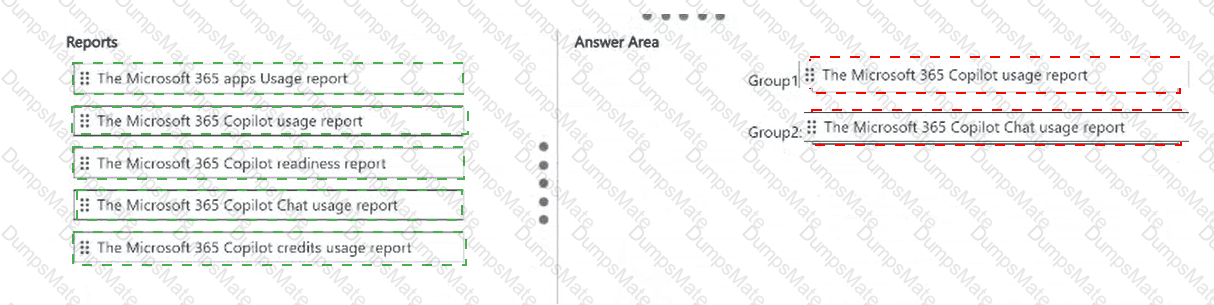
Group1: The Microsoft 365 Copilot usage report; Group2: The Microsoft 365 Copilot Chat usage report
Microsoft 365 provides separate reporting capabilities for licensed Copilot functionality and the broadly available Copilot Chat experience.
First selection: Microsoft 365 Copilot usage report.
Group1 contains users assigned Microsoft 365 Copilot licenses who interact with Copilot across Microsoft 365 applications and agents.
The Microsoft 365 Copilot usage report provides adoption and engagement information about these licensed experiences.
It includes enabled users, active users, usage by application, user activity information, and supported prompt-count metrics.
Administrators can use this report to evaluate whether licensed employees are actively using Copilot capabilities.
Second selection: Microsoft 365 Copilot Chat usage report.
Group2 users do not have Microsoft 365 Copilot licenses but use the Copilot Chat experience available through Microsoft 365.
The Copilot Chat usage report tracks conversational AI adoption, including active users, total prompts submitted, average prompts per user, and individual activity trends.
This makes it the appropriate report for measuring engagement among users who rely on Copilot Chat without the paid Copilot license.
The Microsoft 365 apps usage report measures general application usage, while the Copilot readiness report focuses on eligibility and deployment preparation.
Therefore, the licensed group requires the Copilot usage report, while the unlicensed group requires the Copilot Chat usage report.
Reporting clarification: Microsoft ' s current report documentation describes standard 7-, 28-, 90-, and 180-day periods. The video specifies 30 days, but the latest reporting interface may use a 28-day period instead.
Microsoft References:
https://learn.microsoft.com/en-us/microsoft-365/admin/activity-reports/microsoft-365-copilot-usage
https://learn.microsoft.com/en-us/microsoft-365/admin/activity-reports/microsoft-copilot-usage