Huawei's WLAN roaming troubleshooting methodology identifies inconsistent security configurations, incorrect roaming settings, faulty mobility-group relationships, and discontinuous radio coverage as common causes of unsuccessful roaming.
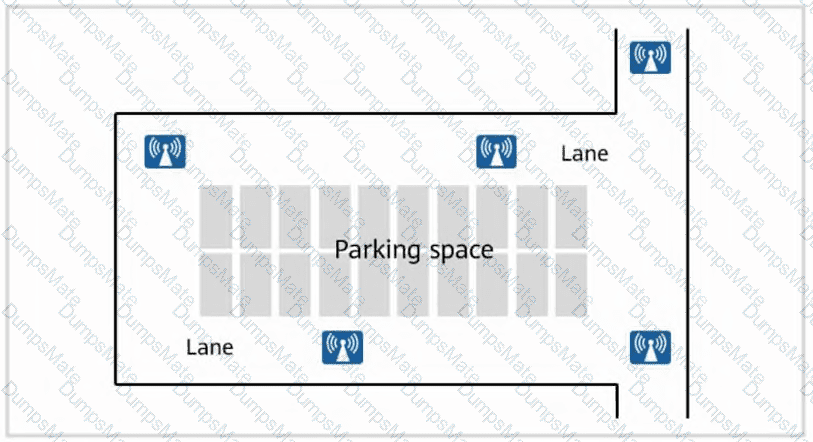
Option B is a valid cause. If AP coverage areas are separated by coverage holes, a moving STA may lose its connection before it can associate with the destination AP.
Option C is a valid cause. The APs involved in roaming must use compatible security parameters. Huawei specifically requires consistent SSIDs, security-profile settings, authentication modes, and relevant authentication parameters.
Option D is a valid cause. When the STA must perform Layer 3 roaming because its destination VLAN differs from its original VLAN, disabling Layer 3 roaming prevents the required transition.
Option A is not inherently a cause of roaming failure. Huawei supports roaming with different data-forwarding architectures, including direct forwarding and tunnel forwarding. Different forwarding modes do not, by themselves, establish that roaming cannot operate.
The controller must still maintain the required forwarding path, service VLAN connectivity, and roaming configuration.
Huawei's troubleshooting flowchart focuses on security-profile consistency, Layer 3 roaming configuration, VLAN correctness, mobility-group status, continuous coverage, and duplicate SSIDs.
Therefore, A is the correct selection.
Training Material reference: WLAN Troubleshooting → Roaming Faults → Flowchart and Procedure for Troubleshooting STA Roaming Failures, PDF pp. 999–1002.
Lab Guide reference: Lab 7 — WLAN Roaming → Inter-WAC Layer 3 Roaming Configuration and Verification.
────────────────────────────────────────────────────────