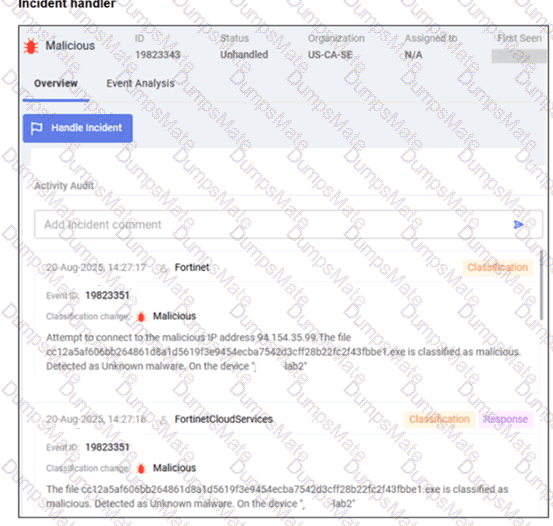
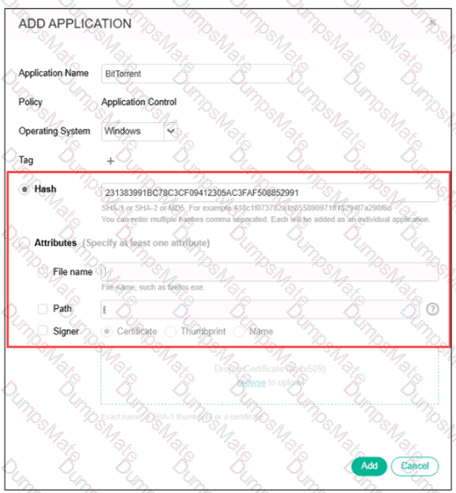
The correct answers are C and D .
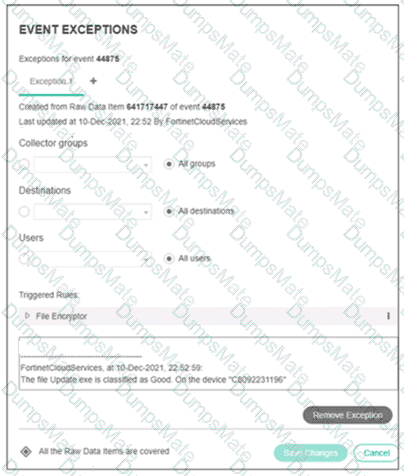
The exhibit shows an exception created/updated by FortinetCloudServices after the file Update.exe was classified as Good . This aligns with the FortiEDR Cloud Service behavior described in the guide. The guide states that once FCS is connected, it can enable Tuning , which means automated security event exception/allowlisting. After a triggered security event is reclassified as Safe, an automated cross-environment exception can be pushed downstream and the event expires, preventing it from triggering again.
Option C is correct because the Event Exceptions window includes Triggered Rules , and the guide states that when editing an exception, the administrator can modify the Collector Groups , Destinations , Users , and the pairs of rules and processes that define the exception in the Triggered Rules area.
Option D is the Fortinet/FCS-related statement supported by the guide’s FCS behavior. The guide says FCS can enable follow-up actions, including Tuning through automated exceptions and Playbook Actions , and that playbook policy remediation actions are based on the final FCS determination.
Option A is wrong because the exhibit explicitly states “All the Raw Data Items are covered.” A partial exception would mean not all raw data items are covered. The guide explains that if an exception does not cover all raw data items, FortiEDR displays a different indicator and distinguishes covered from non-covered raw data items.
Option B is wrong because the exception scope in the exhibit is set to All groups , All destinations , and All users . The comment references device C8092231196, but that is not the same as saying the exception applies only to that device.
=========